
Computer Applications
Explain the concept of 'Rehearse Timings'.
MS PowerPoint
8 Likes
Answer
Rehearse Timings feature helps us in finding out the time we would need to present a slide show. This option makes sure that our presentation fits within the certain time frame. We can set a varying time for slides to be displayed before changing to the next slide.
It works in the following way:
- Practice Run — When we choose the 'Rehearse Timings' option, PowerPoint starts a practice run of our presentation. As we advance through the slides, a timer records the time spent on each.
- Timing Adjustment — After completing the practice run, PowerPoint provides the option to review and adjust the timing for each slide. This feature is especially useful for ensuring that our presentation fits within a designated time frame.
- Automatic Slide Advancement — The timings we set during the rehearsal will be used to automatically advance the slides during the actual presentation. This ensures a smooth and well-timed delivery.
- Speaker Notes — 'Rehearse Timings' also allows us to add or edit speaker notes for each slide, helping us remember key points or cues during the presentation.
Answered By
2 Likes
Related Questions
What do you mean by Slide Transition? Explain the steps to apply transition effect on a single slide.
Describe the role of Animation in PowerPoint.
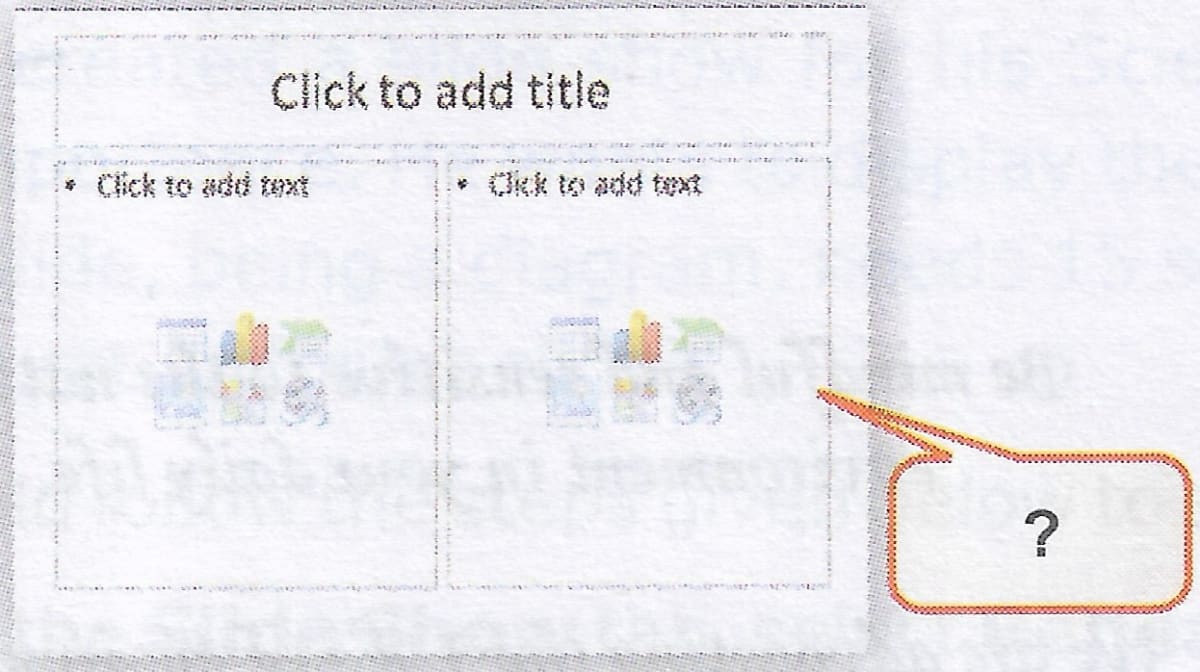
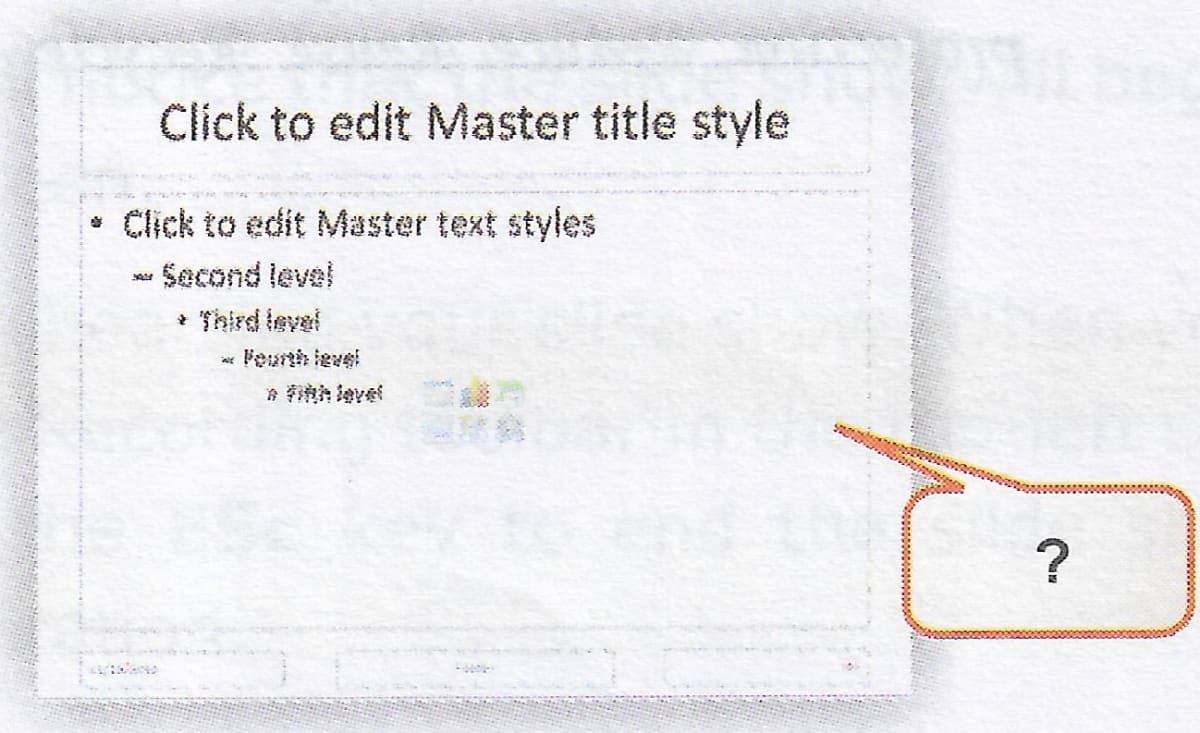
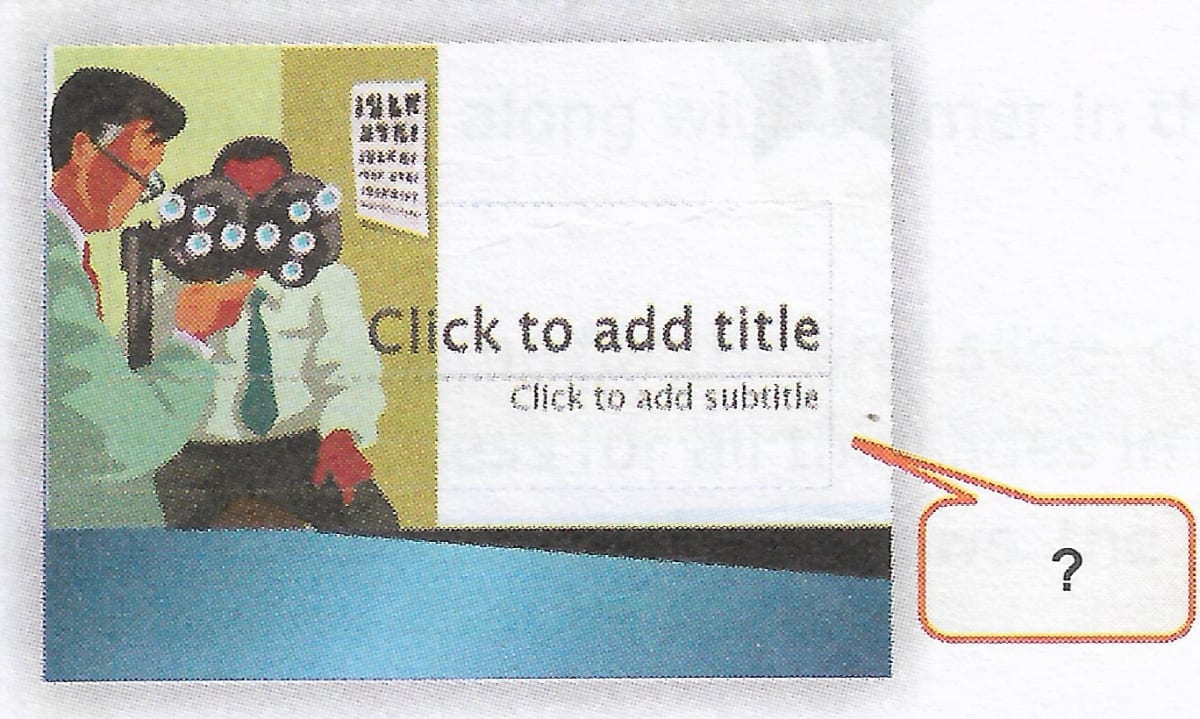
Your Computer teacher has shown you four slides which are depicting different slide formatting layouts. Identify these layouts and label the images.

Rohan has downloaded a presentation from the Internet, but he is not satisfied with the slides. He wants to copy and delete a few slides from the existing presentation. What steps should he follow to accomplish this task?