Computer Applications
Your teacher has asked Simran to write a paragraph on 'Personality Development' on a blank slide. She has guided that Simran cannot apply any slide layout that has text boxes. Suggest her another method of adding text to the slide.
Answer
Simran can add a text box to the slide by following the given steps:
Step 1 — Select the blank slide in the presentation.
Step 2 — Click on Text Box icon present in the Text group on the Insert tab.
Step 3 — Click on the slide and drag the mouse to create a text box of any size. Release the mouse button once the desired text box size is achieved.
Step 4 — A cursor appears inside the text box that indicates to enter the text.
Simran can type the paragraph in the entered text box.
Related Questions
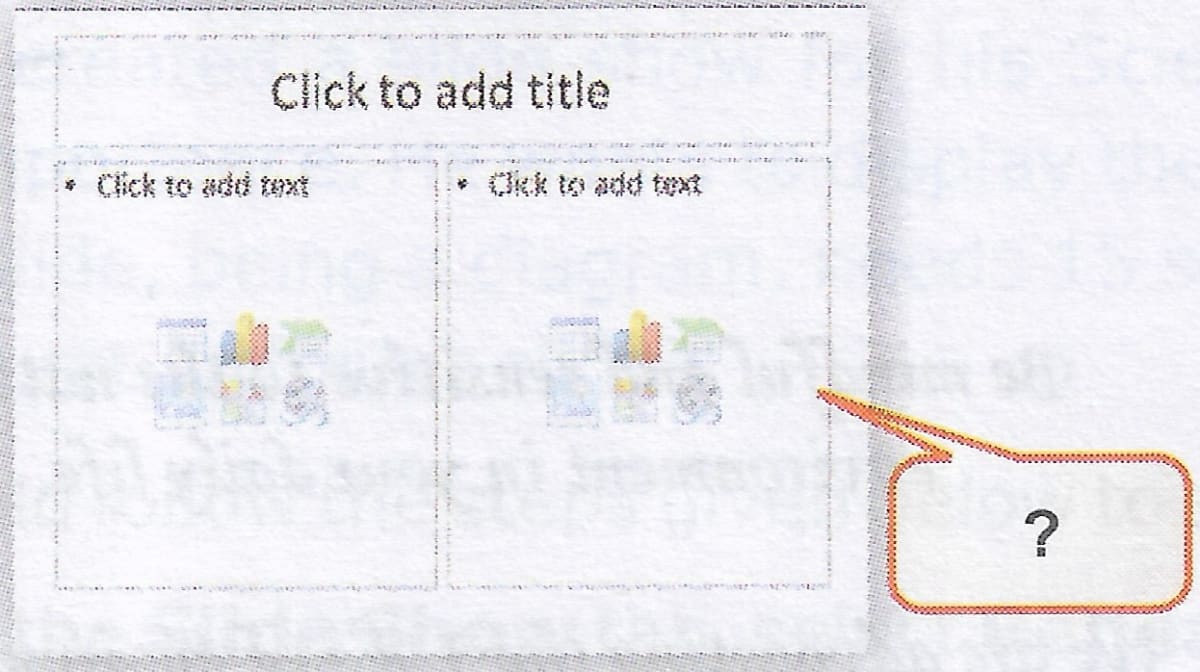
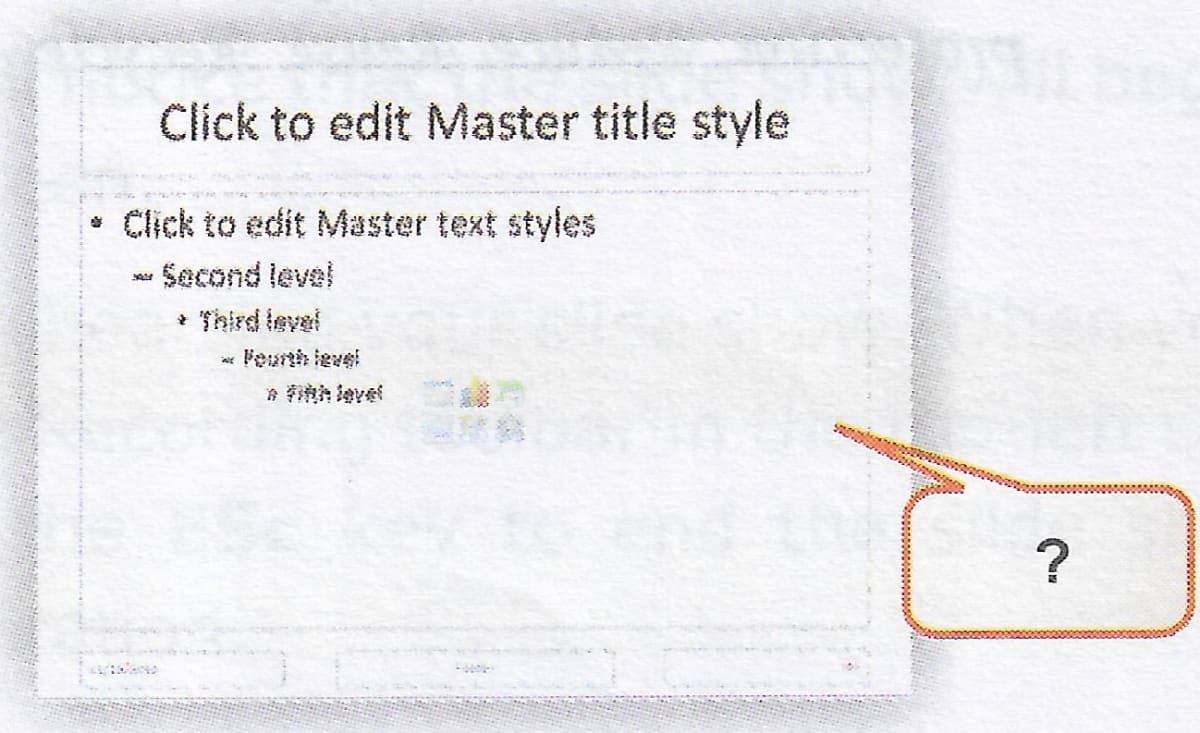
Your Computer teacher has shown you four slides which are depicting different slide formatting layouts. Identify these layouts and label the images.


Rohan has downloaded a presentation from the Internet, but he is not satisfied with the slides. He wants to copy and delete a few slides from the existing presentation. What steps should he follow to accomplish this task?
Your teacher has given you an assignment to create a presentation with all the slides having different themes. Using which method you can apply the desired effects.
Sonal has created a presentation on 'Computer Technology'. She has forgotten the steps to add a slide number in the Footer area. Describe the required steps so that she can complete her presentation.